

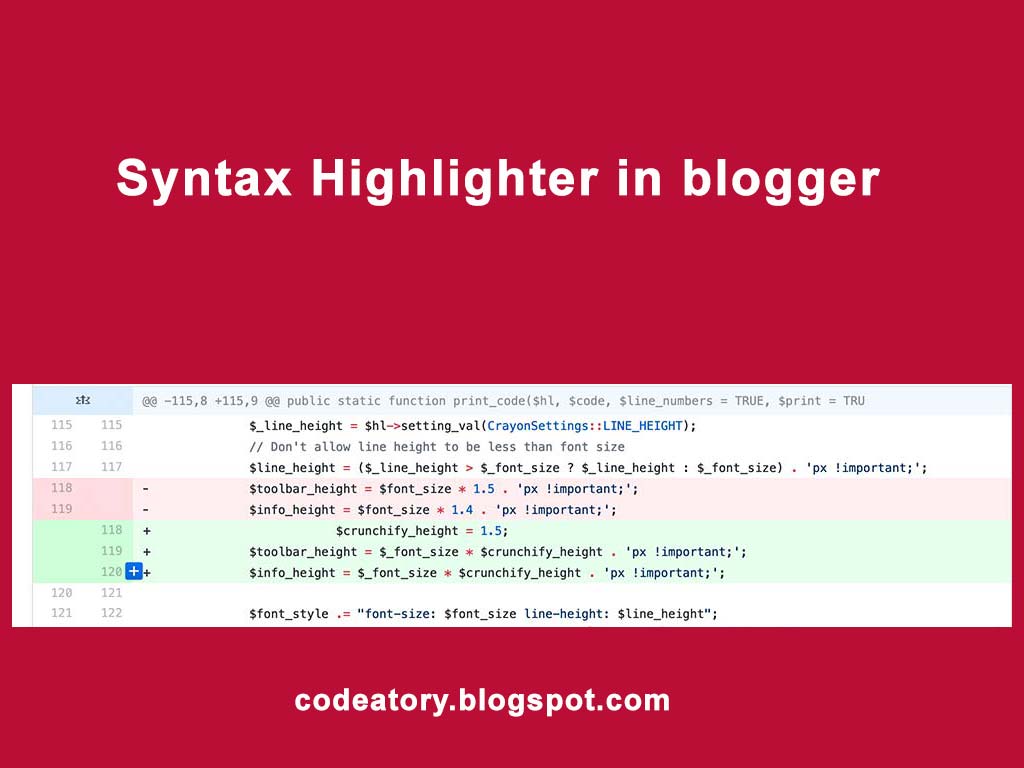
How To Add Syntax Highlighter In Blogger
How To Add Syntax Highlighter In Blogger, is one of the popular questions in google. Adding Syntax highlighter in blogger for sharing programming courses, solutions, or help is very important. Syntax Highlighter makes it easy to focus on the main content. You can format your code beautifully. It supports may languages like Html, CSS, Php, XML, Javascript, Jquery, Python etc. Below are the list of the supported languages.
| Highlight For | value | Attribute |
|---|---|---|
| HTML | html | language-html |
| CSS | csh | language- |
| JavaScript | js | language-js |
| XML | xml | language-xml |
| xHTML | xhtml | language-xhtml |
| C | c | language-c |
| C++ | cpp | language-cpp |
| C# | cs | language-cs |
| PHP | php | Language-php |
| Python | py | language-py |
| Java | java | language-java |
| Ruby | rb | language-rb |
| Perl | perl | language-perl |
100% Working Solution
How To Add Syntax Highlighter To Blogger
To Add Syntax highlighter to your blog
Go to the dashboard and edit HTML of the theme. And add this tag to your theme before Tag.
After saving your template, you are ready to use syntax highlighter on your blogger. Copy the following code and paste to where you want to show. If you want to create post/page then enable Compose to HTML. And wrap your code in this tag
YOUR CODE HRER
The above code is used only for HTML content, please replace language-html with language-value from supported language type listed above in the table.
Note:: Please don’t copy-paste html tags directly, first parse your HTML to XML type, use this tool to parse your HTML, then paste the result code.
Changing background color or syntax color
Copy the code given URL, then paste it into your blogger theme, before
Theme 1. https://raw.githubusercontent.com/google/code-prettify/master/src/prettify.css
Theme 2. https://raw.githubusercontent.com/google/code-prettify/master/styles/desert.css
Theme 3. https://raw.githubusercontent.com/google/code-prettify/master/styles/sunburst.css
Theme 4. https://raw.githubusercontent.com/google/code-prettify/master/styles/sons-of-obsidian.css
Theme 5. https://raw.githubusercontent.com/google/code-prettify/master/styles/doxy.css
That’s it.
Enjoy


Leave a Reply