

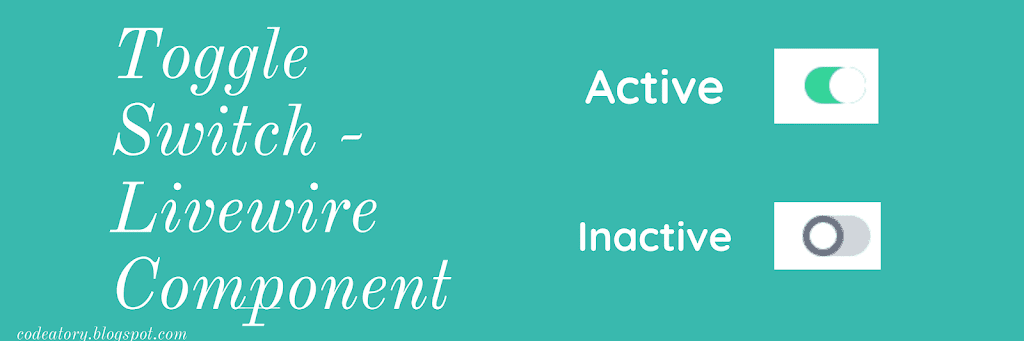
The Toggle Switch, a fancy HTML design that replaces the traditional radio buttons. The toggle switch is mostly used to toggle boolean values.
The toggle switch can be made with pure HTML and CSS or using javascript. But in this article, we will be using Html/CSS for UI and Livewire for toggling properties.
I am assuming that you already have installed Laravel and configured your database and other necessary configs for this article.
No worries, if you have not done that yet, you can do now first and then jump to below.
I’m also assuming that you already have installed Livewire and included Livewire assets ( CSS & JS ) in your blade file.
If not installed Livewire, you can do that now. I guess you know, how to install Livewire but if not you can always follow the official documentation.
How to make Fancy Toggle Switch button?
Let’s go to the point.
Old school method to answer yes/no questions is using radio buttons
 Yes

 No
But now days, it looks different.


We will be using Laravel Anonymous Blade Component to create a Toggle Switch.
Open your fav editor and copy the code below to a file and save it and toggle switch.blade.php inside resources/views/component/toggle-switch.blade.php
merge(['class'=>"toggle-checkbox absolute block w-6 h-6 rounded-full bg-white border-4 appearance-none cursor-pointer"])}}/>
Let’s clear a few things used in the above code.
$name – Name of your input
$checked – 1 or 0, that becomes TRUE & FALSE and allow on/off functionality.
$id – ID of your element to connect label and input, to make button switchable.
$attributes->merge() – allows us to pass custom classes
For CSS I have used tailwind CSS and few lines of custom CSS. Let’s copy that too. And save in resources/css/app.css
If you are using a different framework, you can add your custom CSS. Bellow directives are easy to convert like text-white means text color should be white, right-0 means right:0; border-transparent means border-color: transparent; the same way you can convert all of the tailwind classes to native CSS code.
.toggle-checkbox{
    @apply text-white;
}
.toggle-checkbox:checked {
  @apply right-0;
  @apply border-transparent;
  transition:all 0.5s;
}
.toggle-checkbox:checked + .toggle-label {
  @apply bg-green-400;
  transition:all 0.5s;
}
Let’s create a Livewire component now.
php artisan make:livewire UserList
This will create two files, UserList component Controller in App/Http/Livewire/ and a blade file in resources/views/livewire/
Let’s open up a controller and add some code.
namespace AppHttpLivewireAccount;

use IlluminateDatabaseEloquentModel;
use LivewireComponent;

class ToggleSwitch extends Component
{
    public Model $model;

    public $field;

    public $status;

    public $uniqueId;

    public function mount()
    {
        $this->status = (bool) $this->model->getAttribute($this->field);
        $this->uniqueId = uniqid();
    }

    public function updating($field, $value)
    {
        $this->model->setAttribute($this->field, $value)->save();
    }

    public function render()
    {
        return view('livewire.account.toggle-switch');
    }
}
Next, open your toggle-switch.balde.php from resource/views/livewire/ and update the file with bellow code
Now, we just have to include this component wherever we want toggle switch, Let’s says you have another component with a user list and you want to add a toggle switch to toggle the status of the user table.
@foreach($users as $user)

{{ $user->name }}
{{ $user->email }}

@livewire('toggle-switch', ['model'=>$user, 'field'=>'status'], key({{$user->id}}))


@endforeach
Above,
model => $user , here $user is model object. and
Field => ‘status’, is status column in table.
where key($user->id) is key for livewire to identify the dom.
Key is an important parameter whenever you are using the livewire component inside a loop.
Hope this helps.
#livewire component
#toggle-switch component
#toggle switch livewire component
#toggle switch blade component


Leave a Reply